Carlinkit 5.0 vs AAWireless TWO+ Comparison: Specs, Audio Quality, Price & Installation
Introduction
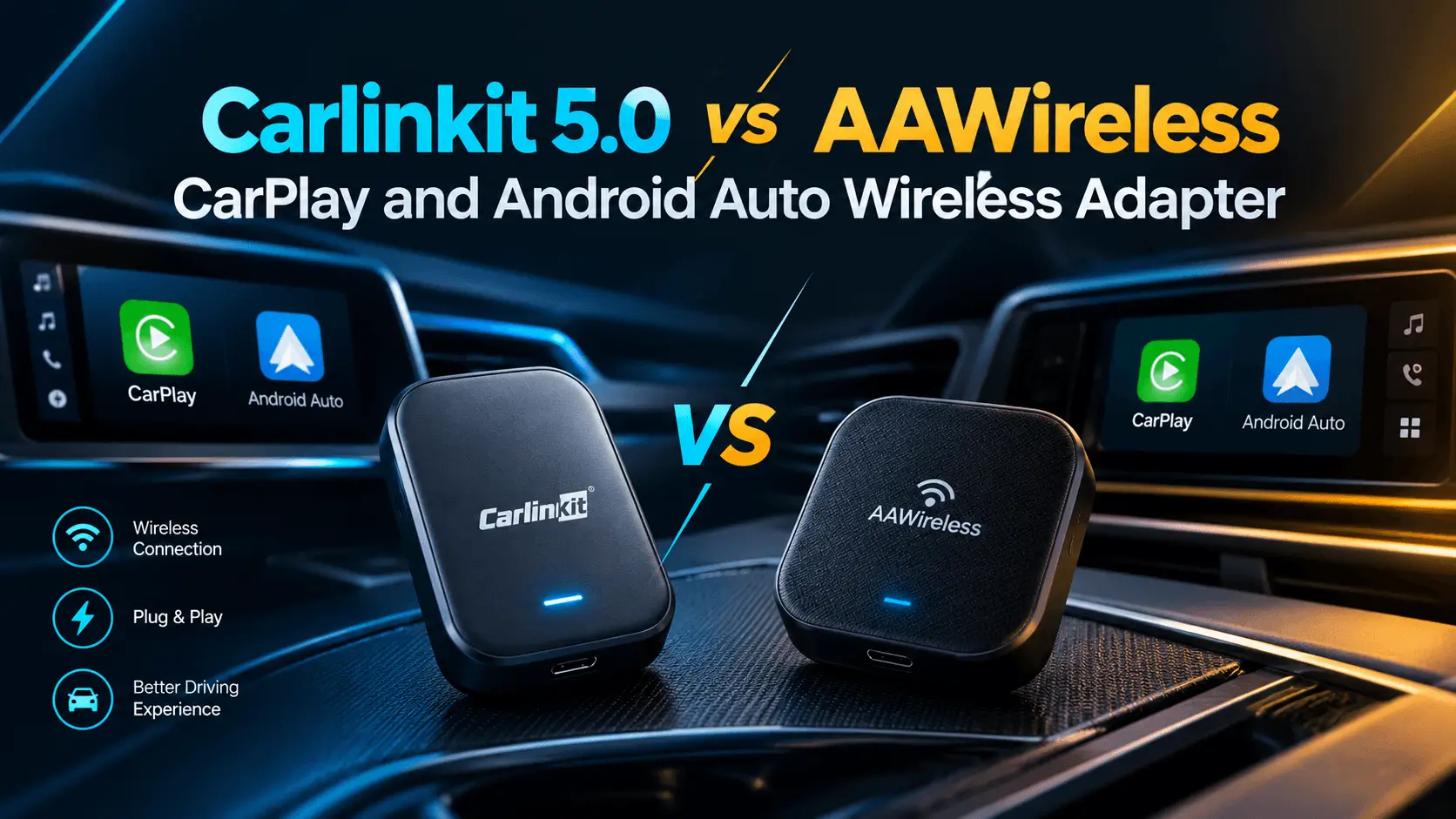
If you’re hunting for a seamless wireless Apple CarPlay or Android Auto solution, the Carlinkit 5.0 vs AAWireless TWO+ comparison is one of the most common debates for drivers wanting to ditch phone cables. Both adapters convert factory wired systems to wireless, but they differ in multi-device switching, companion app controls, connection latency, and pricing. This guide walks you through real‑world audio fidelity, step‑by‑step installation, and firmware updates so you can pick the best adapter for your vehicle.
Quick Glance

Carlinkit 5.0 Wireless Adapter (2air)
- Works with your car's controls
- iPhone 6+ (iOS 10+).
- Android 11+

AAWireless TWO+ Wireless Adapter
- Android Auto & Apple CarPlay
- Plug & play setup
- Compact design
Compatibility Checklist
- Carlinkit 5.0 (2air) works with vehicles that have factory wired Apple CarPlay or wired Android Auto installed.
- AAWireless TWO+ supports both wired CarPlay and wired Android Auto OEM systems, featuring a physical multi-function button to quickly swap paired phones in shared vehicles.
Will these adapters work with my head unit?
If your vehicle natively launches CarPlay or Android Auto when you plug your phone directly into the car's USB port via cable, both adapters will plug and play. Neither adapter will add CarPlay/Android Auto to a head unit that lacks factory wired support.
Check your head‑unit USB power settings
Some vehicles maintain active power to USB ports even when parked. AAWireless TWO+ includes an Auto-Standby mode in its companion app to prevent unwanted phone reconnections from inside your house.
Installation Guide
Both adapters plug directly into your vehicle's primary USB data port via USB-A or USB-C.
Step‑by‑Step for Carlinkit 5.0
- Connect the Carlinkit 5.0 to your car’s main USB data port.
- Turn on the vehicle ignition; the LED indicator on the dongle will light up.
- Open Settings → Bluetooth on your iPhone or Android device and pair with the adapter signal (
Autokit_xx). - Accept the CarPlay or Android Auto permission prompt on your vehicle's screen.
Step‑by‑Step for AAWireless TWO+
- Plug the AAWireless TWO+ into your vehicle's USB data port.
- Turn on the ignition and open Settings → Bluetooth on your phone.
- Select AAWireless TWO+ from your available device list.
- Confirm the connection on your car display. Use the physical top button anytime to cycle between paired phones in shared cars.
Firmware Update Steps
Keeping device firmware up to date resolves connection dropouts and minimizes wireless latency.
Carlinkit 5.0 Firmware Update
- Connect your phone to the Carlinkit Wi-Fi network (e.g.,
Autokit_xxxx). - Open your mobile web browser and navigate to
192.168.50.2. - Tap Help → Check for Updates.
- Allow the progress bar to finish and do not disconnect power during the flash process.
AAWireless TWO+ Firmware Update
- Download and open the AAWireless App (iOS & Android).
- Connect to the adapter and navigate to Device → Firmware.
- Tap Check for Updates and follow the automated prompts.
Real‑World Audio Quality & Streaming Protocol
Both adapters establish an initial Bluetooth connection for pairing before handing off all audio and display data to a high-speed 5 GHz Wi-Fi direct connection.
- Carlinkit 5.0: Delivers uncompressed, neutral LPCM audio output across standard frequency ranges.
- AAWireless TWO+: Offers flat audio reproduction with granular equalizer and connection diagnostics available inside the AAWireless companion app.
Because data streams over Wi-Fi bandwidth rather than compressed Bluetooth profiles, both adapters maintain original audio quality for Apple Music and Spotify streaming.
Connection & Touch Response Latency
- Carlinkit 5.0: Averages ~300–400 ms touch-to-screen response latency over 5 GHz Wi-Fi.
- AAWireless TWO+: Averages ~250–350 ms latency, benefiting from fast boot times and optimized Wi-Fi channel selection via its app.
Audio buffer delay for media playback (e.g., track skipping) remains at standard CarPlay/Android Auto protocol levels (~1–2 seconds) across both devices.
Power Consumption & USB Behavior
Neither device uses internal batteries; both rely on standard 5V USB bus power:
- Carlinkit 5.0: Consumes ~0.5W–0.7W during active navigation.
- AAWireless TWO+: Consumes ~0.6W–0.8W in operation. Includes a configurable Standby Mode via app or button press for vehicles with always-on USB ports.
Side‑by‑Side Specification Snapshot
| Feature | Carlinkit 5.0 (2air) | AAWireless TWO+ |
|---|---|---|
| Wireless Protocol | 5.8 GHz Wi-Fi + BT 5.0 | 5.0 GHz Wi-Fi + BT 5.0 |
| Multi-Phone Switcher | Automatic / Web Portal | Physical Button + App |
| Companion App | Web Interface (192.168.50.2) | Dedicated iOS / Android App |
| Power Source | 5V USB-C | 5V USB-C |
| Price | $54.99 | $74.99 |
| Firmware Update | Browser IP (192.168.50.2) | AAWireless App |
Bottom Line: Which Should You Choose?
- Pick Carlinkit 5.0 if you want an affordable, proven dual-protocol adapter with simple web-portal tweaking and reliable daily performance.
- Pick AAWireless TWO+ if you frequently swap between iPhone and Android phones in the same car, value a dedicated companion app for Wi-Fi channel adjustments, and want a physical hardware button for instant device switching.
Ready to upgrade your drive? Click the Amazon callouts above to check current pricing and grab the adapter that fits your setup.